MGC Software
The backend code library handles data exchange and preprocessing; the frontend general software handles commissioning, run management and data processing. Easy to use — no software or driver installation required.
3.1 · MgcDll (Backend)
MgcDll receives control data from the app and outputs measurement data to it. Currently available in C#, C++ and VB.
Single-command mode supports 8 run commands: constant speed, hold, sine, trapezoid, open-loop, follow, synchronous follow and real-time synchronous position. Batch mode sends a complete set at once (regular command files and synchronous-position run files). Batch-as-single sends a batch one command at a time until complete.
Preprocessed data splits into process data (DllCurveData) and result data (DllFileData). Process data draws real-time curves in three forms — full, short-wave and long-wave; result data generates test reports for saving and upload. A proprietary compression algorithm keeps data from overflowing over any test duration while preserving peak-valley and extreme feature data.
3.2 · MgcTest (Frontend)
MgcTest runs on Windows 10 and above. It comprises three modules — controller commissioning, run management and data processing — delivering control, measurement and data processing for Mgc controllers.
Parameter setup and tuning for control and measurement channels — calibration, verification, PID tuning — plus TEDS file management (save valid settings, restore factory defaults, etc.).
Supports single-command runs (constant speed, hold, sine, trapezoid, open-loop, follow, sync follow, real-time sync position) and file-command runs (regular command sets and synchronous-position command sets). Supports synchronous, asynchronous, pause and resume.
A proprietary algorithm processes process and result data for 17 control channels (16 asynchronous + 1 synchronous, equivalent to 17 devices) over any duration. Whether a one-minute or one-year test, the computer never overflows, stutters or crashes.
Forms conclusions (e.g. test reports) per data-processing rules (e.g. test standards), supporting different standards via editable test plans, standard-library files and report templates.
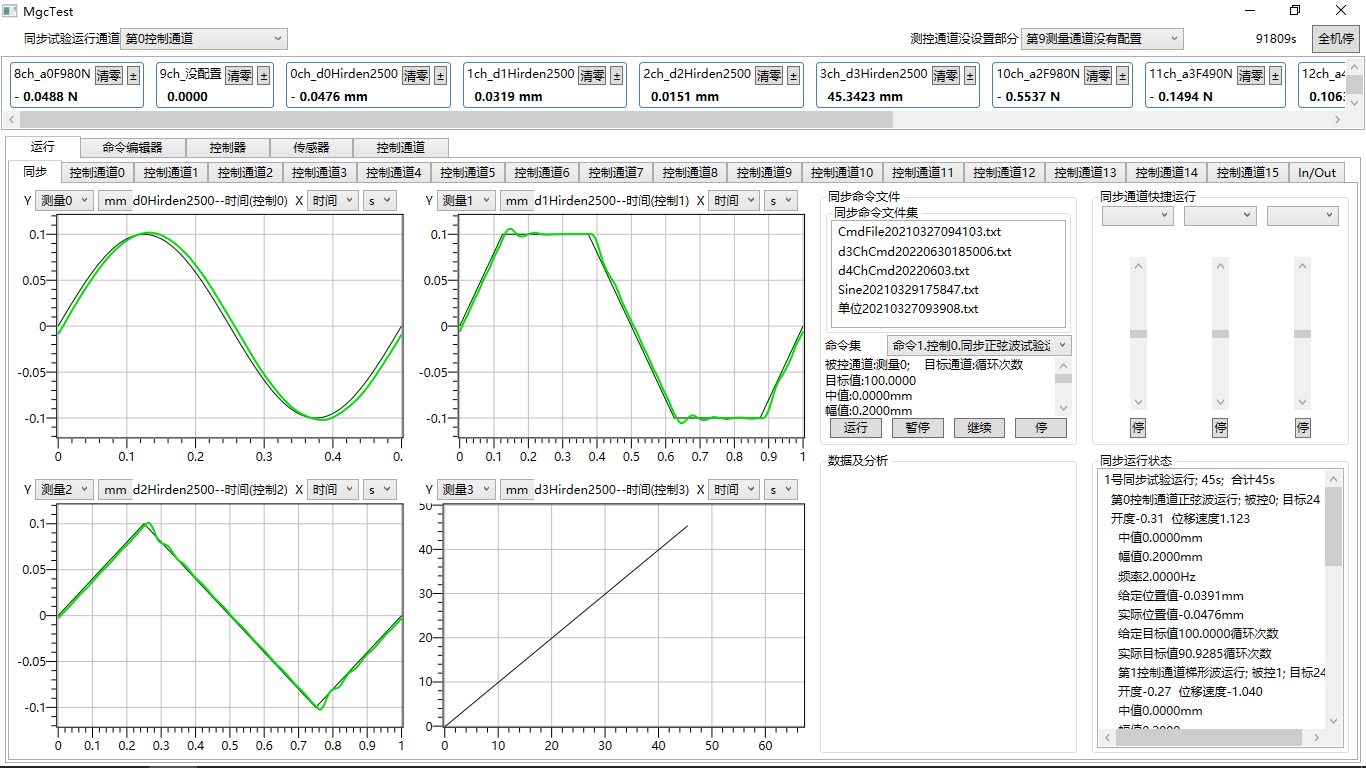
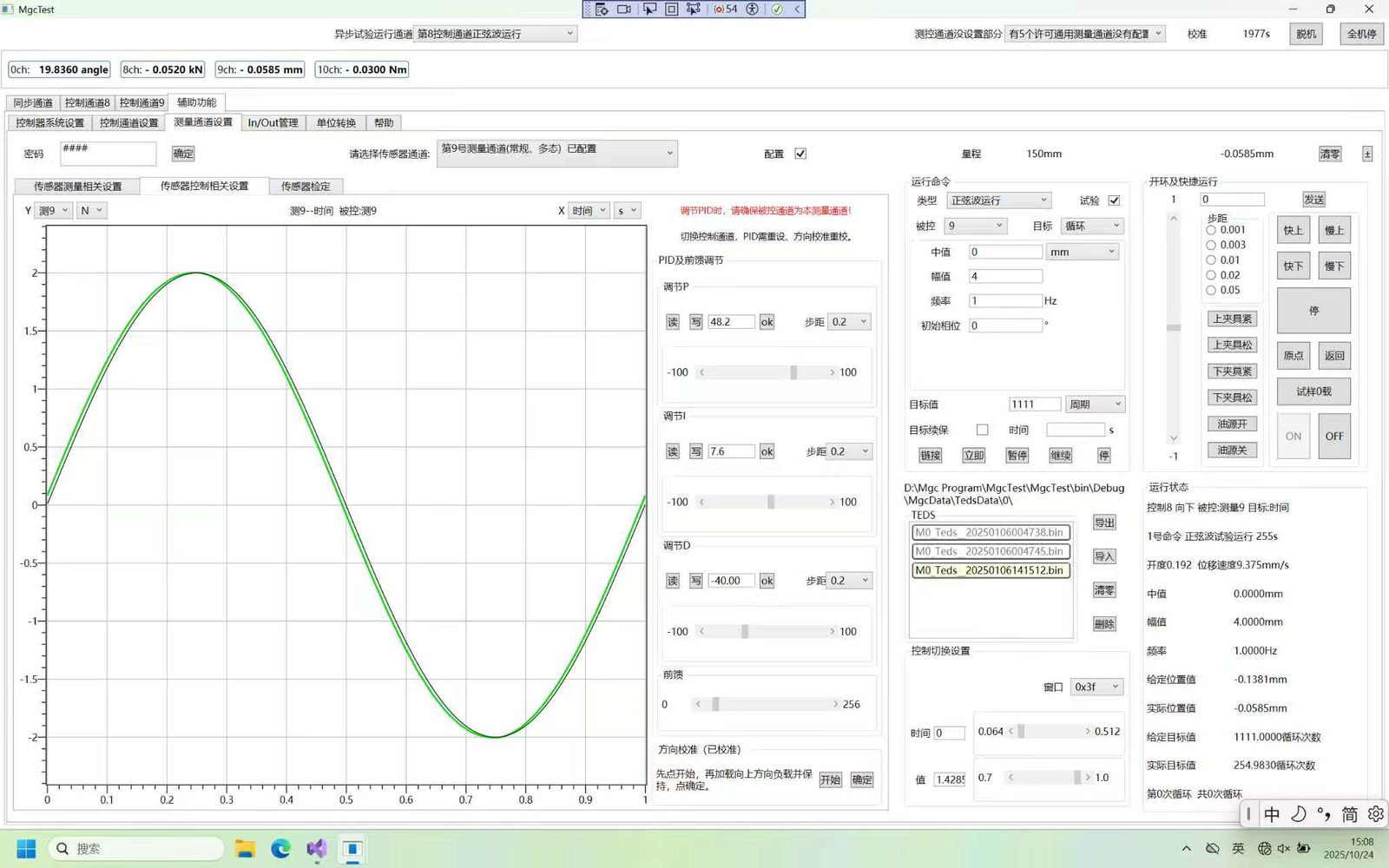
MgcTest is easy to use — no software or driver installation required.
4.1 · Mgc Downloads
The Product Introduction is available for direct download. Other materials require a request; we will open the download link after processing your application.
The Product Introduction is available for direct download. The Ordering Guide, User Manual, Development Guide and other materials require a request; after processing your application we will send the download links by email.
4.2 · FAQ
Yes. A force sensor typically connects via the dedicated front RJ45 interface of the Mgc0103, and can also connect via the rear 24-pin connector.
By default the rear interface is a 20-pin connector and does not support a force sensor. To connect a force sensor at the rear, specify this when ordering and the rear interface will ship as a 24-pin connector.
In November 2025 the first Mgc1624 multi-channel dynamic controller was delivered, accepted and put into service.
Beyond breakthroughs like data preprocessing and PWM closed-loop control, there are 128-segment piecewise calibration, absolute-position setting/measurement with power-off retention, and pause/resume — features rarely found in competing products.